
You are getting this error whenever you compose a new email or replying to an email.
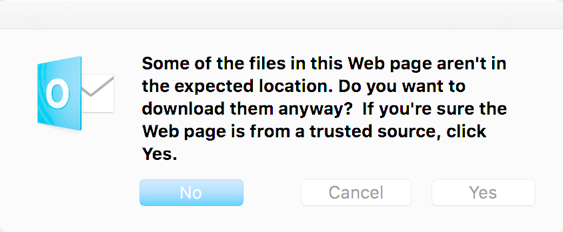
It means your HTML signature has a bad formatted hyper-link or “Text to display” property.
To fix this issue, you may delete and recreate a new Signature or find the bad hyper-link in your signature and fix it.
- Open Outlook –> Preferences –> Signatures
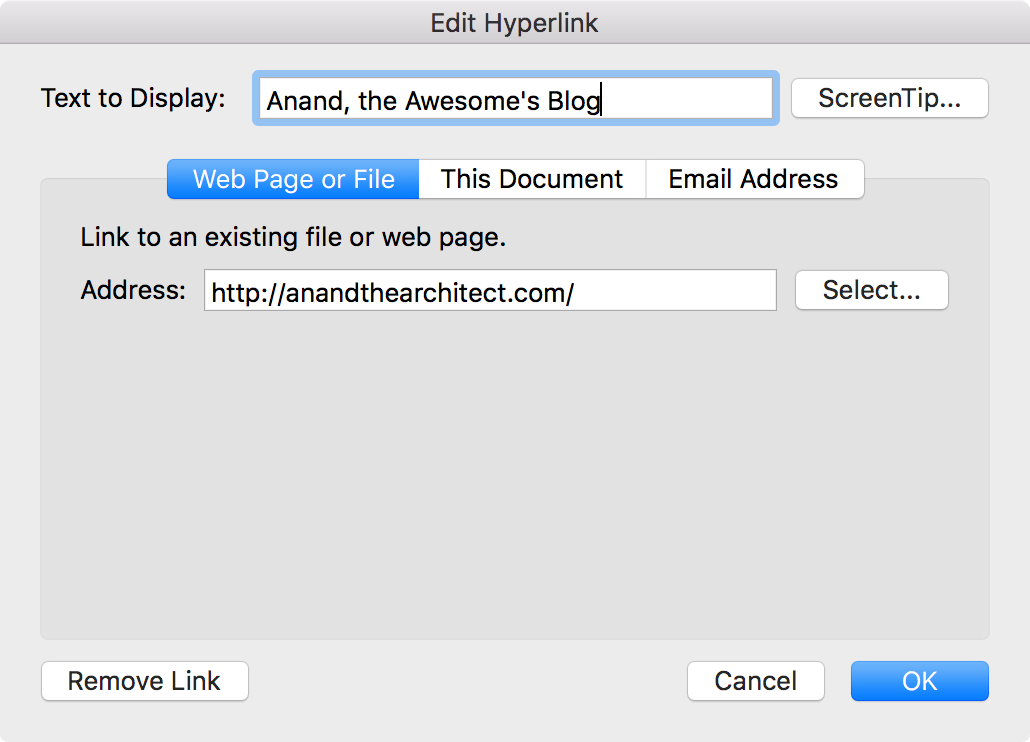
- Right click (on each) hyperlink and choose Hyperlink –> Edit Hyperlink
- Verify and fix the “Text to Display” and Address fields.
That’s it. Send your emails in peace. 🙂
 Anand, the Architect
Thank you… have done what you have suggested and looking forward to sending emails in peace again